Get to know CleverReach in our live webinars! We’ll show you how to use our system effectively and get the most out of your email marketing. Convenient, interactive, and right from your desk.
No microphone is required—questions are submitted via chat after the webinar ends and answered by our professional trainers.
Our highly qualified trainers will present the webinar content to you live, which you can view on your screen. Audio is also streamed directly; for slow internet connections, we also offer the option to dial in by phone.
Everything you need to participate
Technical requirements: A computer (Windows/Mac) with internet access and speakers or headphones.
Mobile: For tablets, please use the corresponding apps from Citrix.
Interaction: A microphone is not required. You can easily ask your questions at the end of the webinar via chat – our trainers will answer live.
Support: Having trouble with your internet connection? We also offer a phone-in option.
Booking:
-
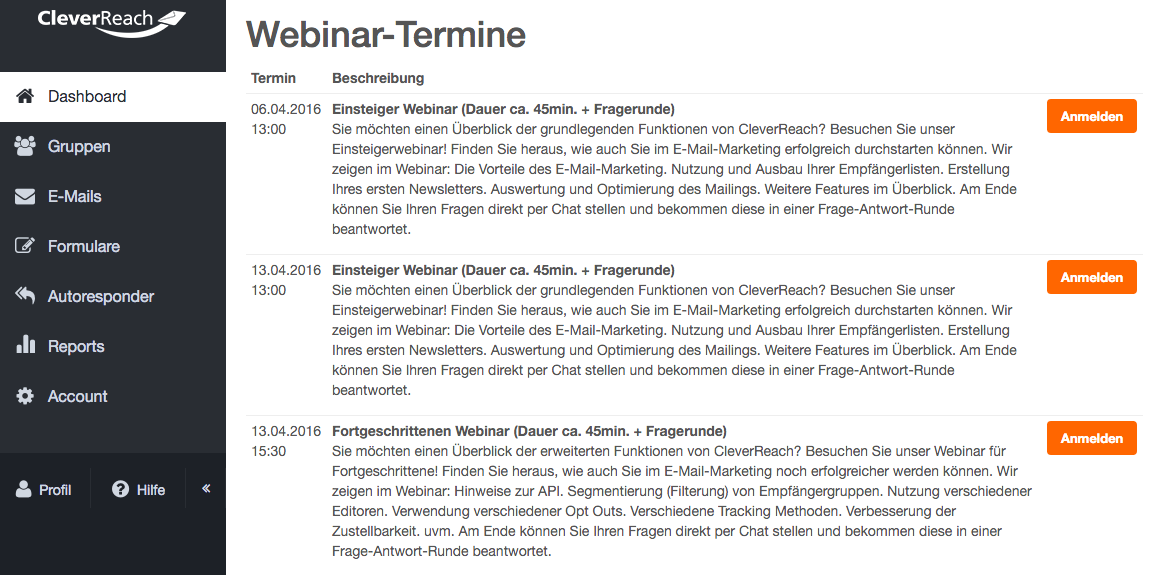
Open our seminar website and select a suitable date from the overview. Click on Log in and book. A pop-up window will appear where you can log in:
If you are already logged into your account: Click on the Help button in the top right corner > Online Seminars. There, you can also select a suitable seminar from an overview.
- Now complete the booking process through to the final order.
Participation:
Immediately after completing your order, you will receive an email with all important information and your personalized access link. If you do not receive this email within a few minutes of placing your order, please contact our Support.
Important Notes:
- Please note that this link can only be used once and is valid for one person only.
- The webinars will start 10 minutes before the official start time. Please click on the link during this time.
- Software from Citrix will now be downloaded, which will allow you to access the webinar. Please follow the installation instructions.
- If you are unable to attend the webinar you have booked, please contact before the webinar begins our Support.